How to Set Up IPTV on Windows PC and macOS – Easy Installation Guide (2025)
Step-by-Step: Install IPTV Smarters on Windows PC & macOS
Step 1:
Download the IPTV Smarters app for your device:
Step 2:
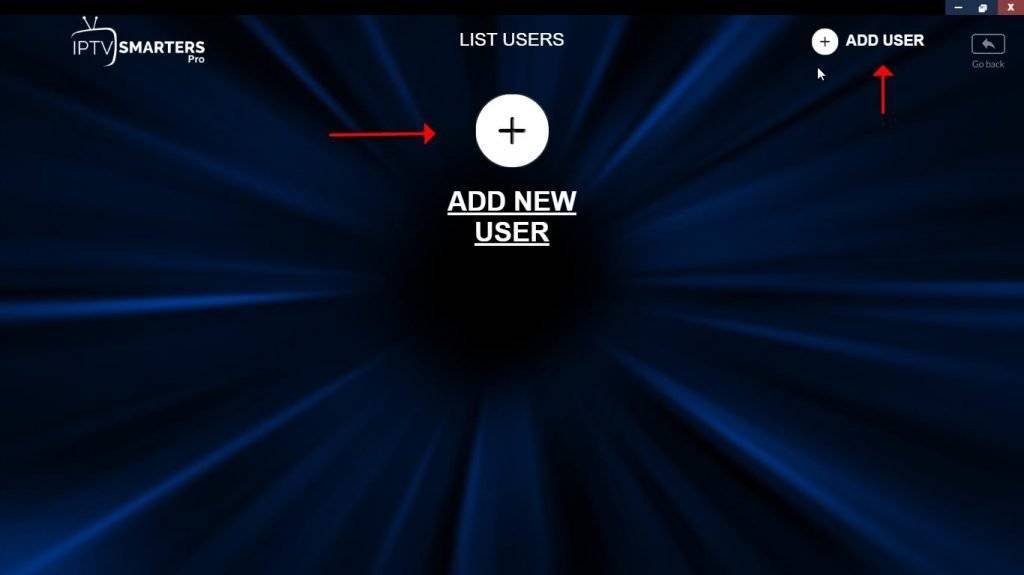
After installation is complete, launch the IPTV Smarters app.
Click on “Add New User” to begin your IPTV configuration.
Start enjoying high-quality IPTV streaming on your PC or Mac today!
Step 3: Configure IPTV Smarters Login on Windows or Mac
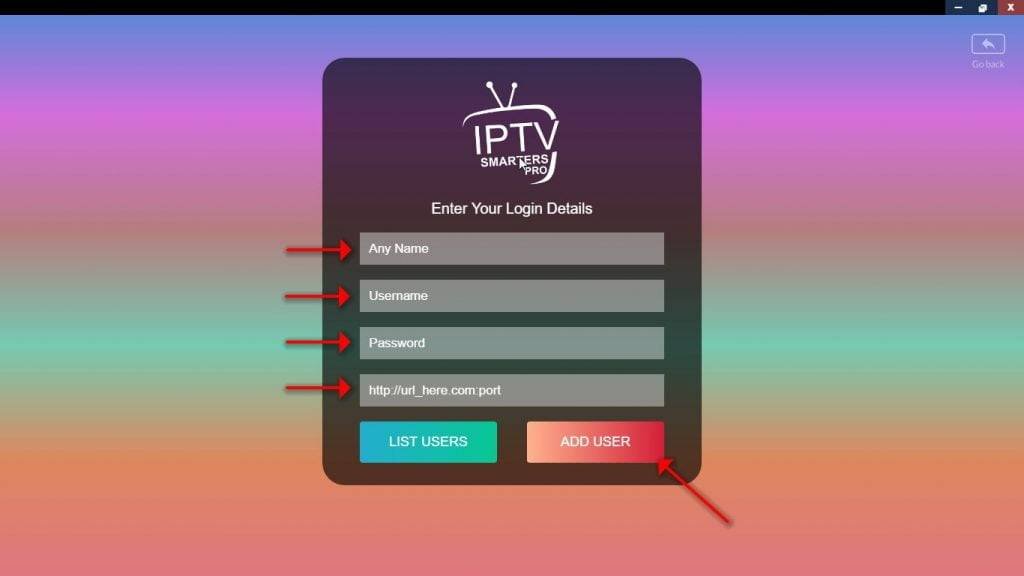
Enter your IPTV account details to complete setup:
📌 Profile Name: Create a custom name (e.g., IPTV Smarters Pro).
🔐 Username & Password: Use the login credentials sent to your email.
🌐 Server URL: Paste the M3U or Xtream Codes API link provided.
Click “Add User” to finalize the configuration.
👉 Need help? Contact Us — We’re here to assist!